EXPEDITION NOTES
The traveler’s field journal
LOG 01
A separate expedition from Daggerfall
Asciilands Solo is a small island sandbox offered here as a side expedition. It is not a region of Tamriel, a Daggerfall expansion or a quest that imports your existing character. You begin with the local rules of Quietwater, an independent single-player development edition, and make your own gathering and building objectives.
You do not need ARENA2 files to enter this game. Its browser world and saves are separate from the Daggerfall experience elsewhere on this website. That distinction matters before you begin: character equipment, completed quests and other progress from Daggerfall do not become supplies on this island.
The original Asciilands project describes a persistent multiplayer setting. The embedded edition here does not reproduce that shared population or player economy. Approach it as a quiet scouting and camp-making exercise. The original creator link remains the appropriate destination for details about the original project and its own supported modes.
LOG 02
First survey: understand the landscape
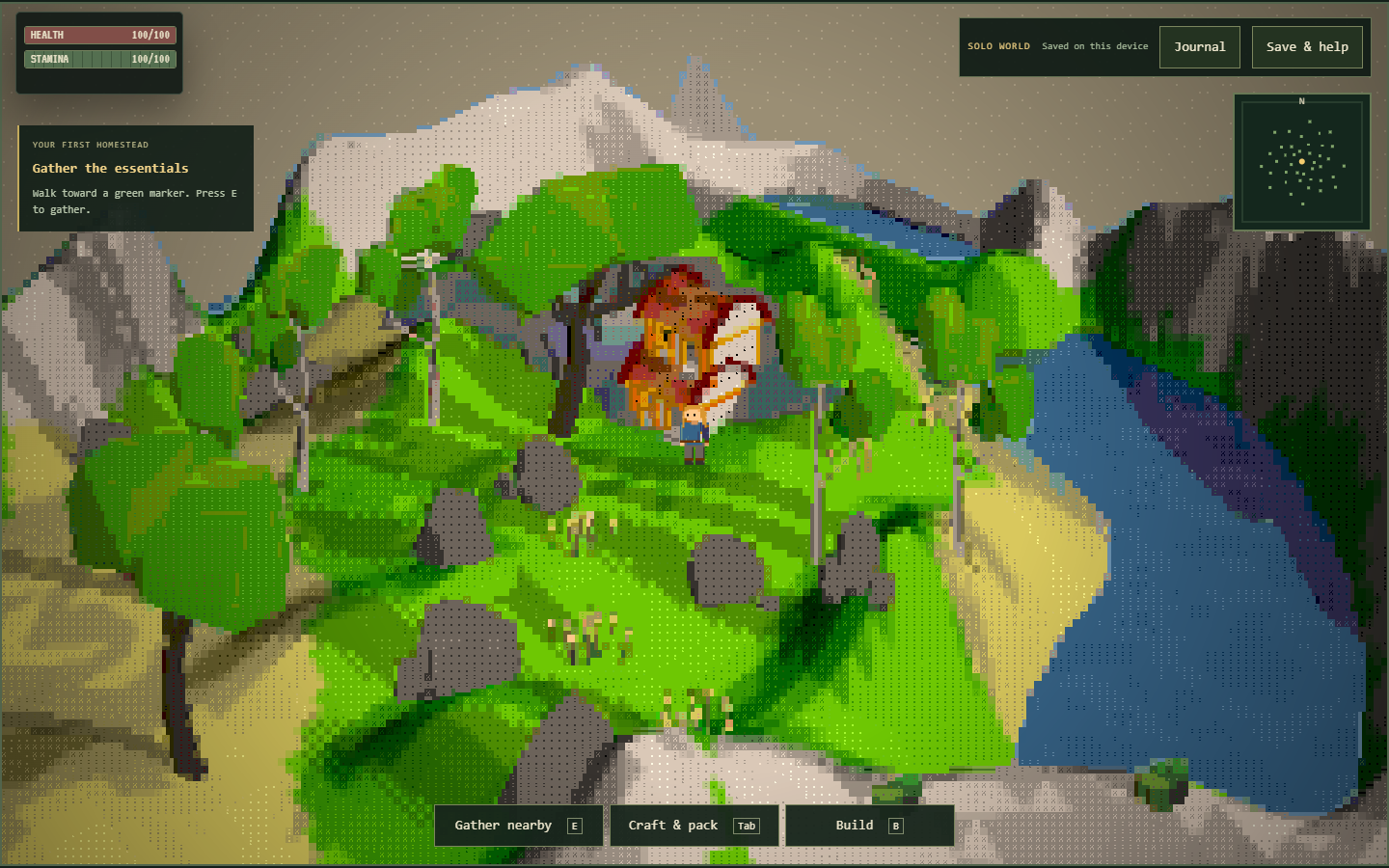
ASCII characters form the visible terrain and scenery, viewed as a spatial landscape rather than a page of written commands. Take a moment to identify your position and nearby objects before moving quickly. The unusual presentation becomes easier to read when you connect a visible marker with the result of approaching it.
Use WASD to walk, Shift to run and E to gather when you are close to a resource. A distant object cannot be collected simply because it is visible. If an interaction fails, move nearer and read the feedback instead of repeatedly pressing the action key from the same position.
The small map helps relate your position to resources and placed structures, but it is not a complete route-finding service. Keep a recognizable gathering area and station in mind as reference points. Learning a short return route is more useful initially than attempting to survey every corner before you have established any supplies.
LOG 03
Pack for the first return journey
Wood, stone and fiber are useful early finds because they feed the first workshop recipes. Gather enough to complete one task, then return to your chosen site. This creates an understandable loop: leave with a purpose, find the needed source, and return with a visible improvement to your camp.
Open the pack with Tab to inspect what you actually collected. A material you remember seeing on the ground is not necessarily in your inventory. Resource nodes can also become temporarily empty and replenish during active play, so a familiar place may not provide the same immediate yield on every visit.
Avoid treating food markers as evidence of a survival countdown. This edition includes berries, fish and a cooking recipe, but no hunger system. You can collect them as part of a personal exploration objective without assuming that the expedition will fail if you delay cooking while learning the terrain and workshop controls.
LOG 04
Establish a recognizable base point
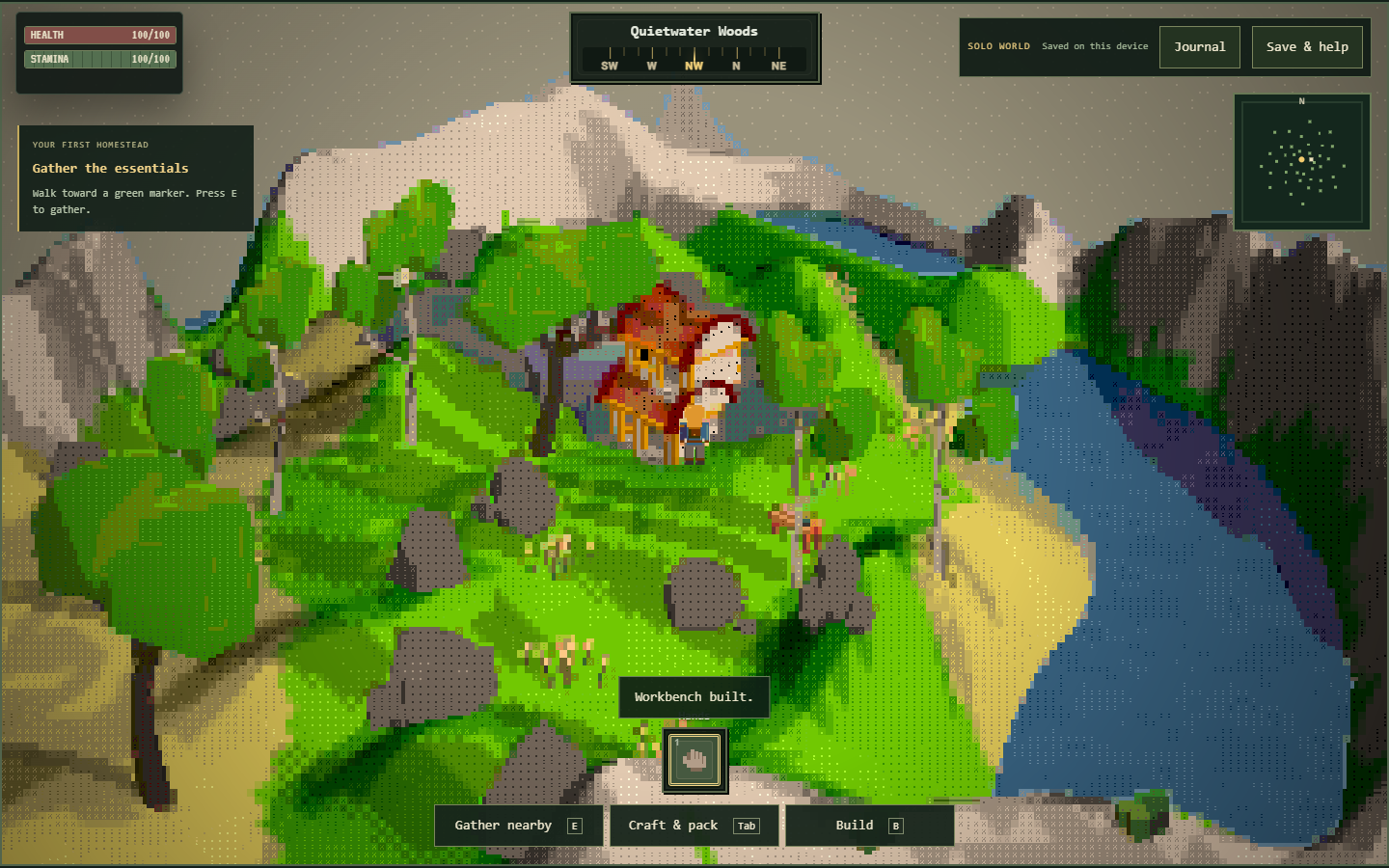
Your first workbench can be a practical landmark as well as a crafting station. Convert two logs into four planks, then place the bench using the building interface. Choose an accessible patch with enough surrounding space to stand close, open the pack and later add another structure without crowding the area.
The station must exist in the world before its recipes become available nearby. Carrying its materials does not satisfy that requirement. If a tool recipe reports a missing station, return to the bench and reduce your distance before checking the ingredients again. This separates a location problem from a supply problem.
There is no requirement to turn this first stop into a permanent settlement immediately. Think of it as a reliable return point while you learn the island. A modest, accessible workstation serves exploration better than a large arrangement of decorative pieces that consumes the supplies you still need for a gathering tool.
LOG 05
Prepare tools before visiting the ore
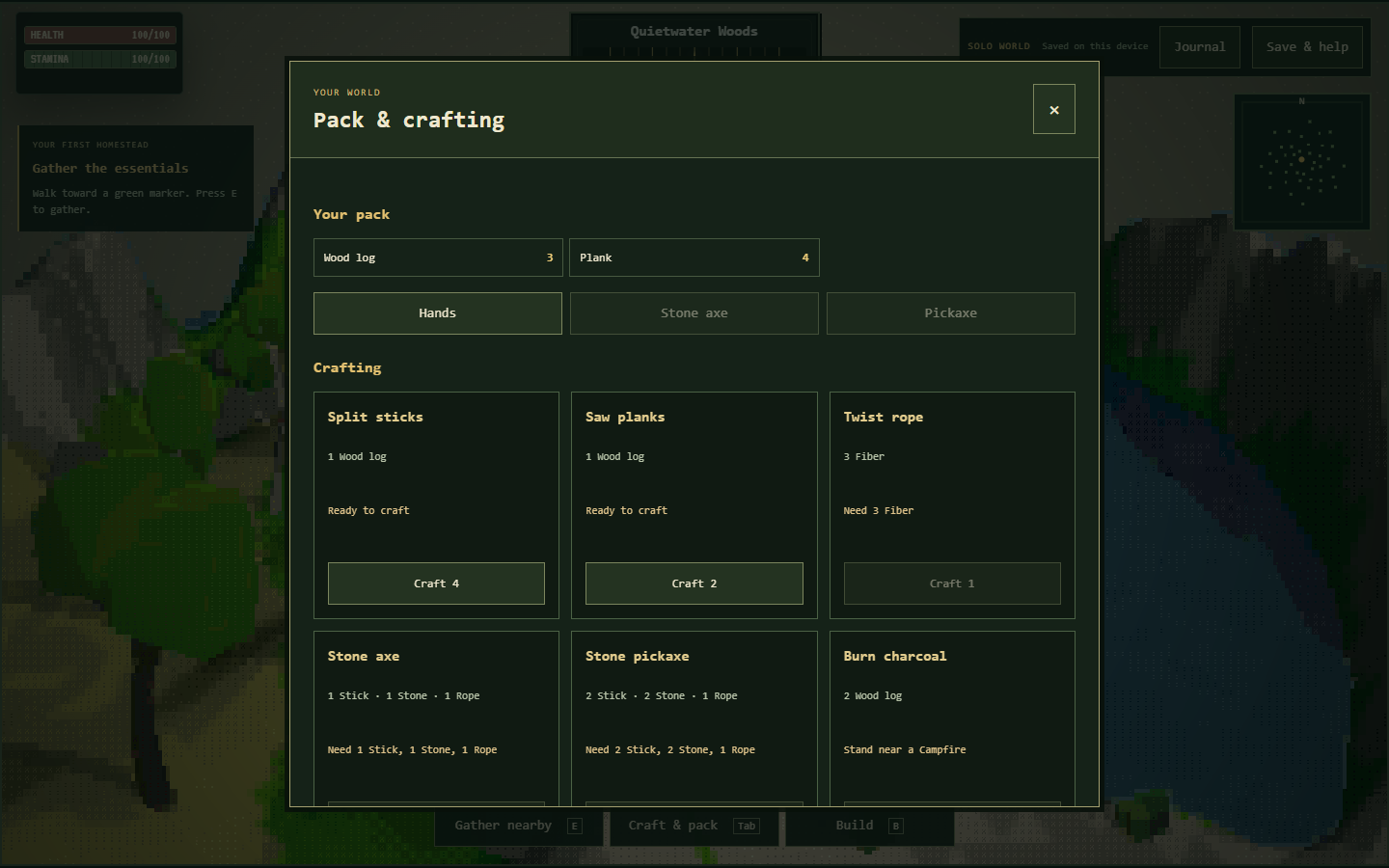
A stone pickaxe requires two sticks, two stone and one rope at a nearby workbench. Make rope from three fiber; one log makes a batch of four sticks. These conversions mean your gathering list should include the raw ingredients and your crafting sequence should account for the intermediate items.
Equip the finished pickaxe in the pack before attempting iron ore. The game distinguishes between carrying a tool and using it. When an ore interaction fails, check equipment first, then proximity and the resource state. More attempts with an unequipped tool will not resolve the missing prerequisite.
The stone axe uses one stick, one stone and one rope at the workbench. Equipped tools improve gathering for their corresponding basic resources. You can choose the axe for a timber-focused trip or prioritize the pick for ore exploration; there is no need to invent a character class or skill build around that simple decision.
LOG 06
Plan a camp rather than a survival fortress
A camp costs ten logs and two rope. A campfire costs three logs and four stone. They serve different construction choices, so keep their material lists distinct. If you want both, total the raw logs and produce enough rope before leaving the gathering area for a longer scouting walk.
The campfire is also a recipe station. It supports charcoal, iron smelting and cooked fish. Two logs make one charcoal; three ore and one charcoal make one iron ingot. These are useful workshop goals, but the current edition does not turn them into an extensive combat or equipment progression system.
Plan the camp around access and orientation. Leave room to approach the stations and a clear route through the objects you place. Walls and roofs can help define your chosen site visually, but they are not proof of implemented enemy raids or shelter bonuses. Build for a readable personal base, not an unadvertised defense mechanic.
LOG 07
Read the illustrated stops and set a route
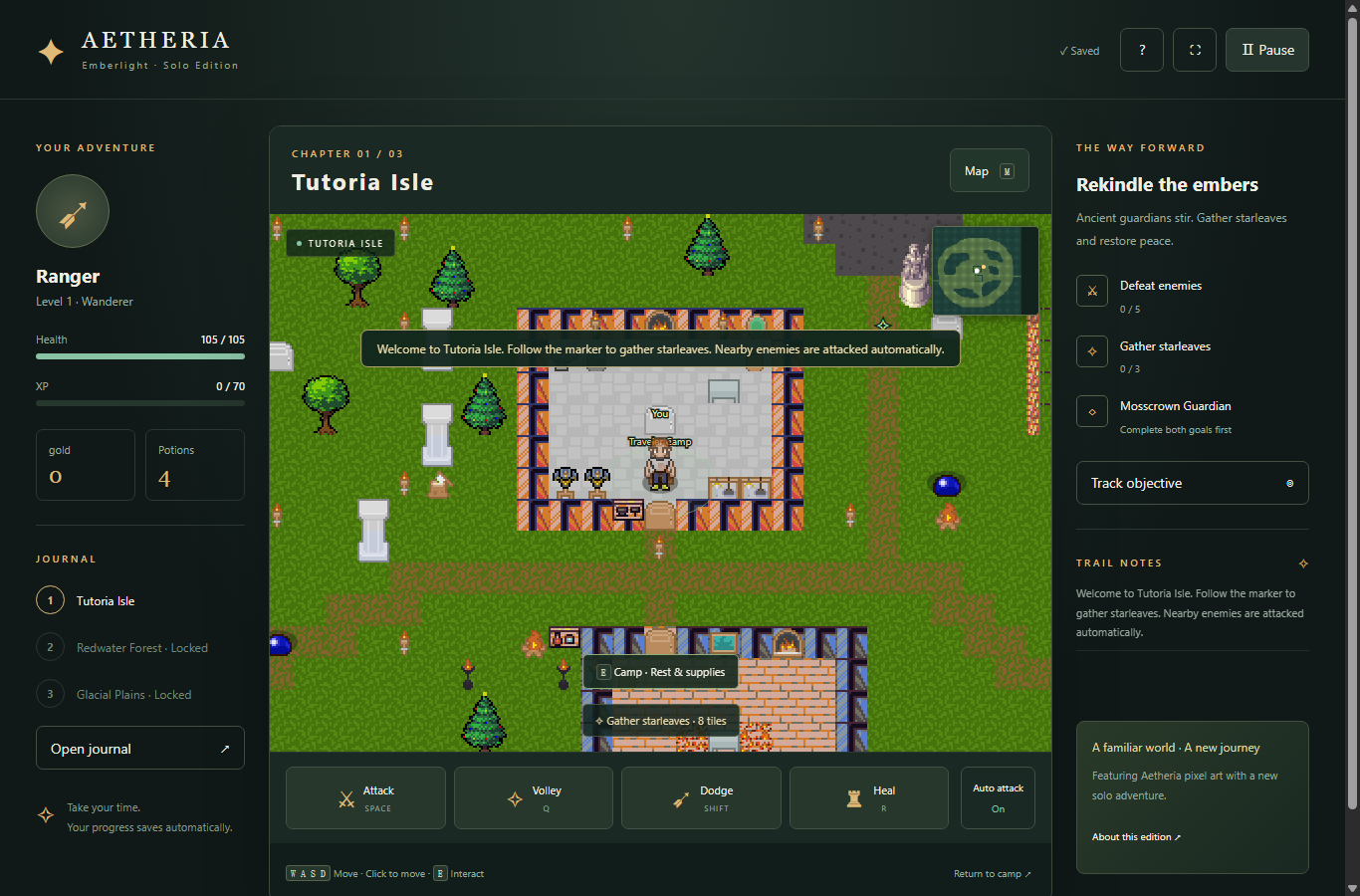
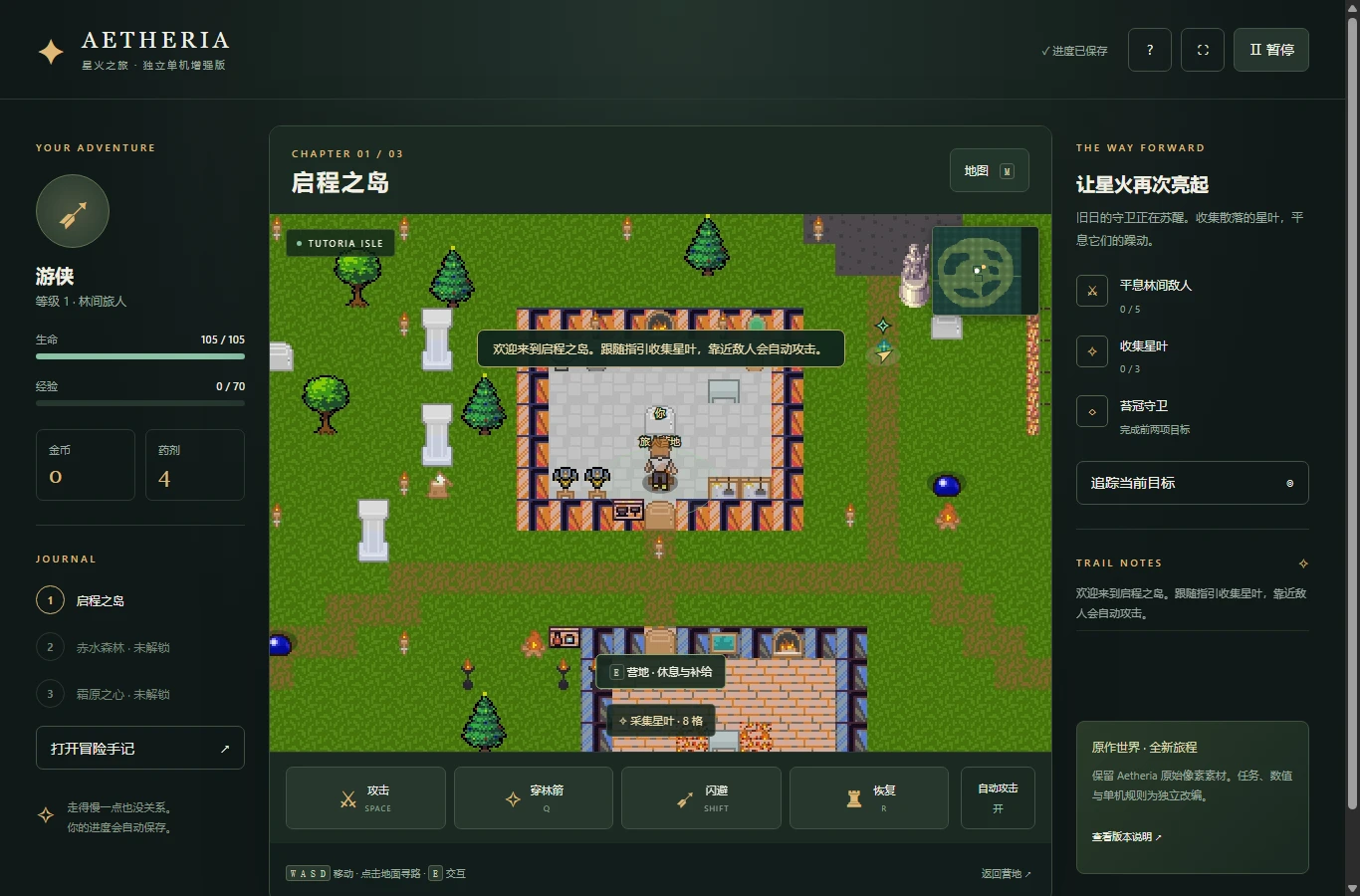
The screenshots show the hosted solo edition: its landscape, crafting interface and building view. Use them to recognize the controls you are about to inspect, rather than expecting every new world to match the exact position or arrangement shown. Your own construction choices will change the scene.
The interactive field guide lets you switch between those views and mark personal preparation steps. Those marks belong to the webpage guide. They do not complete objectives inside the game or alter its journal. Press J in the game when you want to inspect the separate in-game journal interface.
Use the quartermaster calculator to estimate the supported structure recipes before setting out. It does not inspect the pack. Compare its result with your real inventory, note the missing materials, and choose a short route that covers them. This is a planning aid for an expedition, not an automatic resource collection system.
LOG 08
Recover from a wrong turn or blocked build
If movement appears unresponsive, give the game focus and close an open panel with Escape. Keyboard input directed at the surrounding website cannot move the character. On a small screen, use the provided touch controls and allow enough visible space to distinguish movement from nearby action buttons.
Save & help includes a return-to-start option if you need to recover your position. It preserves your pack and structures while moving the character back. Consider this a practical recovery tool, rather than starting a new world just because the current location has become difficult to navigate.
For a rejected structure placement, try open ground closer to your character and away from existing objects. The engine checks placement conditions in addition to materials, and failed placement does not spend the construction cost. Read the message first so that you do not mistake an obstructed location for an insufficient-supplies problem.
LOG 09
Keep an expedition record outside the browser
Local browser storage holds the world, with autosave and a manual save control. A successful manual save message is useful feedback, but an exported JSON backup gives you a separate copy. Export after establishing a base or finishing a memorable building session, particularly before changing browser settings or clearing stored website data.
An imported backup replaces the current world after the game validates it and asks for confirmation. Save a copy of the current expedition before loading a different one if both matter to you. There is no shared account that automatically combines separate islands, inventories or building histories.
Use one active game tab. If another tab updates the save, an older view may stop writing to avoid overwriting newer progress. Opening the game directly can also use a different storage context from an embedded session. When moving between those contexts or devices, use the explicit backup tools instead of relying on matching browser appearances.
LOG 10
Choose the next expedition by its purpose
For a short visit, set out to establish the workbench and return with a crafted tool. For a building visit, gather a measured supply of planks and arrange a compact camp. For a recipe visit, trace the pickaxe-to-ore-to-charcoal chain until you produce an ingot. Each objective has a recognizable finish.
There is no need to turn every session into a complete island survey. An unfinished personal plan can wait, and the page checklist can help remind you of your chosen order. Keep your actual save and backup as the record of world progress; a checked guide box is only a note to yourself.
The Play More links return you to the site's other games when you want a longer adventure or a different set of rules. Before leaving this expedition, check the save result and make a backup if you built something worth keeping. Returning with a clear next destination is easier than reconstructing an uncertain last session.
Traveler questions
Is this part of my Daggerfall adventure?
No. This is a separate island sandbox with its own local save. Daggerfall characters, quests and equipment do not transfer.
Do I need to import ARENA2 files?
No. Asciilands Solo runs independently of the Daggerfall game files. Start it from the embedded player on this page.
Can friends join this expedition?
This hosted development edition is single-player. It has no party lobby, shared island population or player trading.
What should I gather on the first scouting trip?
Wood, stone and fiber support the workbench and basic tools. Gather for one specific project before attempting a longer exploration route.
Why can I not collect iron ore?
Equip a stone pickaxe and approach a usable ore node. Carrying the pickaxe without equipping it does not satisfy the requirement.
Does my explorer need food to survive?
No hunger system is implemented here. Fish and berries can be collection goals, and cooked fish is a recipe output rather than a required survival supply.
Can I recover an awkward position?
Save & help includes return-to-start. It moves the character back while retaining the pack and placed structures.
Does opening the game directly load the same camp?
Not necessarily. Browser storage contexts can differ between an iframe and a direct window. Use export and import to transfer a world explicitly.
What should I do before ending an expedition?
Check the manual save result and export a milestone backup. Keep one active game tab to avoid confusion between older and newer world states.