FIELD NOTES · 01
An expedition measured in encounters
Pokemon Survivor offers a different rhythm from Daggerfall. Instead of preparing for a long journey across a large world, you enter a survival loop built around movement, attacks and character improvement. The appeal is making a small plan, watching it meet resistance and adapting before the next encounter. This page presents the independent solo browser edition linked from Pokemon Survivor Wiki. It is fan software, separate from the original Pokemon games and from our Daggerfall service.
Your Daggerfall account, party, equipment and ARENA2 files have no role here. Use the game frame above to start its own opening flow. If your immediate goal is meeting a Daggerfall friend, return to our multiplayer guide instead: this is an optional adventure, not another entrance to the same world. For a first visit, aim to understand one partner and one run before studying the entire collection. A modest, observable objective is more useful than trying to recreate an advanced recording immediately.
FIELD NOTES · 02
Choose a partner you can learn
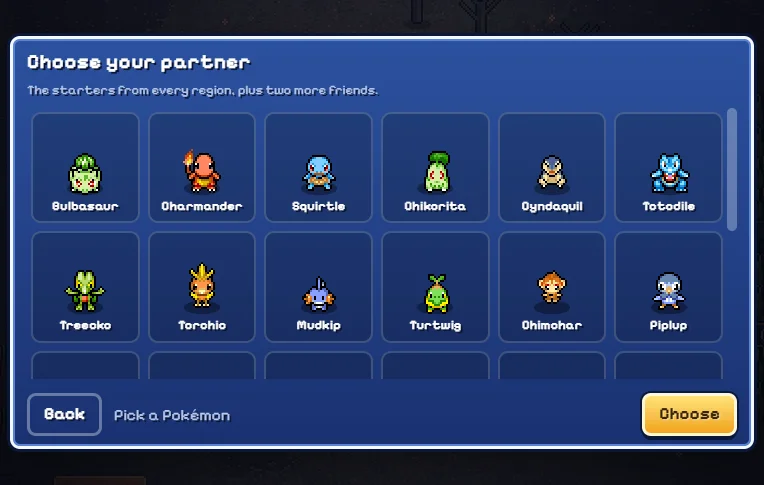
The local opening can include a personality questionnaire and a partner-selection screen. Read the choices in the actual game rather than assuming every familiar Pokemon is available from the start. A starting partner gives you a practical introduction to attacks and movement decisions. Its identity also matters when looking at legal moves and later upgrades, so keep track of what you selected.
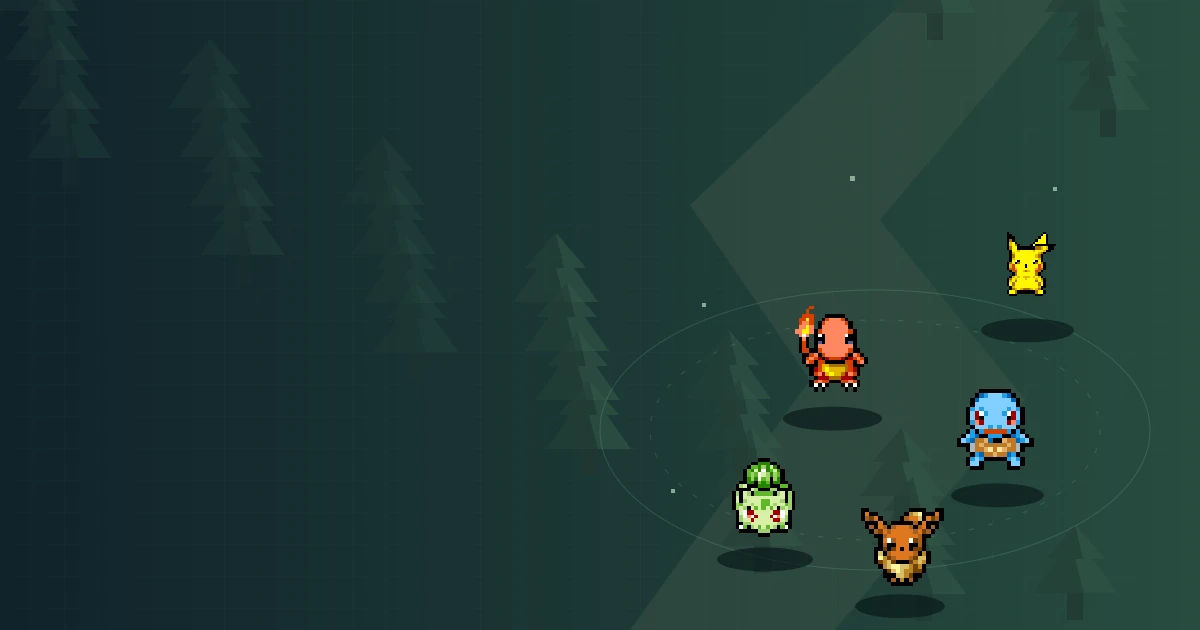
Choose a partner whose early attack you can recognise on screen. During your first encounter, watch where that attack reaches and where enemies remain untouched. That observation gives you a concrete question for the next upgrade. Avoid changing your whole plan after every difficult moment; some problems come from positioning rather than the partner itself. Collection unlocks and starting choices are different systems. A creature shown in a gallery, banner or video is not necessarily a selectable starter in this edition. The illustrated selection screen is a reference for finding the controls, not a promise that your current unlocks match the picture.
FIELD NOTES · 03
Movement is your first defensive skill
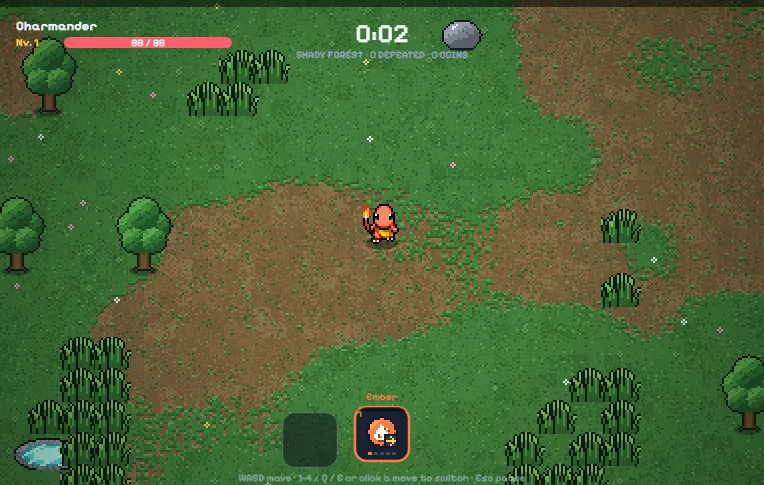
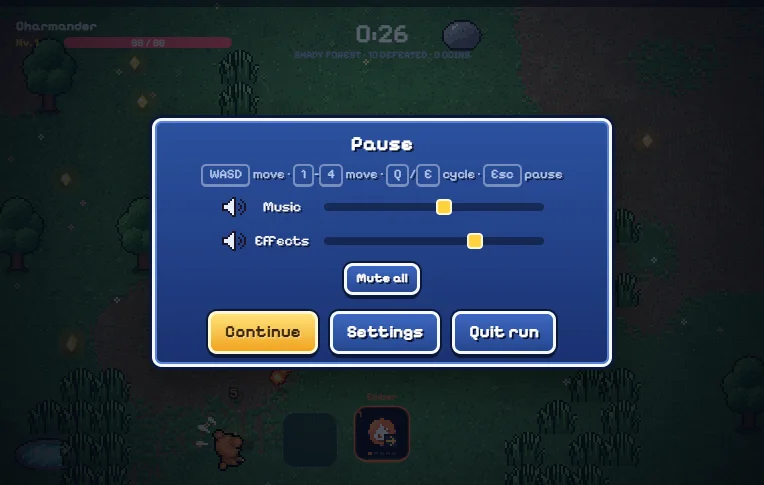
Use WASD or the arrow keys to steer, then practise releasing input and changing direction deliberately. Click inside the game if the page scrolls instead of moving your character. Automatic attacks reduce repeated clicking, but they do not choose a safe route for you. Leave yourself room to turn, especially before approaching a reward near an enemy group.
Watch the space ahead of your character rather than only the nearest target. A route that looks open now may become crowded by the time you reach it. Small course corrections can preserve more options than a long, committed dash toward a pickup. If you repeatedly take damage while collecting rewards, try delaying the pickup until you have drawn enemies away. This is a planning principle, not a guaranteed route through every arena. Your useful movement pattern depends on the current threats and attack. Treat each new encounter as a chance to check whether your previous route still makes sense.
FIELD NOTES · 04
Understand the move that is actually active
Do not judge a build only by the names of moves you have acquired. Identify which move is active and observe its behaviour during an encounter. The important questions are practical: what does it reach, what remains outside that reach, and where should you stand while it operates? The answers help connect an upgrade choice to the problem you are facing.
When changing moves, make one change and watch the result before making another. If you change direction, partner assumptions and attack selection simultaneously, it becomes difficult to tell what helped. Use the in-game controls and current labels for switching; recordings from another release may use a different arrangement. Do not expect every move to be equally useful in every situation. A comfortable opening attack can become awkward as the arena changes. Keep a clear distinction between a move being available, a move being active and a move meeting an evolution requirement. Those are separate checks, not interchangeable descriptions of progress.
FIELD NOTES · 05
Build around a problem, not a shopping list
At an upgrade choice, pause long enough to name the problem you want to solve. Are enemies reaching you before your attack helps? Are you travelling through dangerous ground to collect rewards? Is the move you intended to improve actually the one you are using? A specific problem gives each option a purpose and makes the next attempt easier to evaluate.
Avoid describing an upgrade as universally best without reference to the current partner, move and situation. This guide does not invent a fixed winning build or attach unsupported damage numbers to choices. Read the labels in the current game and compare what they change with what you observed. If a run ends quickly, keep one useful decision for the next run and change one weak point. That approach creates a small learning loop rather than a random reset. The aim is not to prevent every failed attempt; it is to make the reason for the next improvement clearer.
FIELD NOTES · 06
Check evolution requirements before spending effort
Move evolution is a common source of confusion because an appealing name does not tell you whether every prerequisite is satisfied. Check the move level and the exact required card or item shown by the current game. Similar wording is not enough. The partner and legal move pool also matter when deciding whether a plan is possible in your current run.
If an expected evolution does not appear, inspect those conditions before assuming the browser has failed. Write down the move you have, its displayed level and the prerequisite you think you met. Compare that small record with the current in-game description or the source site's move-evolution guide. Avoid repeatedly refreshing the game to force an option: an unfinished battle is not guaranteed to resume after a refresh in this edition. This page is a first-run companion rather than a replacement database for every evolution recipe. For detailed combinations, follow the source guide and make sure it describes the same local solo version you are playing.
FIELD NOTES · 07
Separate a run from long-term collection
A single arena attempt and your broader collection are related, but they are not the same progress screen. Read the result after a run instead of immediately launching again. Look at what was earned, what was retained and which choices remain available. Those observations help prevent disappointment caused by expecting an unfinished encounter to behave like a completed one.
The source edition includes collection systems and regional banners. Treat their descriptions as the authority for the resources they consume and the rewards they offer. Do not assume that an unlock is guaranteed simply because a character appears in artwork. This guide does not calculate odds, invent pity thresholds or promise a rare outcome. Before spending a resource, confirm which banner or collection screen is open. If your goal is learning movement, you do not need to solve the entire collection system first. Return to a familiar starting setup and practise the specific decision that ended your previous run.
FIELD NOTES · 08
Protect the progress stored in this browser
This hosted edition uses local progression and disables cloud accounts and online co-op. Keep that distinction in mind when moving between websites or devices. Browser storage can be partitioned by the embedding site, so playing the same hosted game through another portal may not reveal the same local progress. A missing collection on another page does not automatically mean the first copy was deleted.
Avoid private browsing for progress you intend to keep. Do not clear site data as the first response to a temporary loading problem. Check the current game menu for supported save or export options before making changes, and read any confirmation it provides. Never assume a page checklist has backed up your game: the preparation tool below is independent and only records checks during this visit. An unfinished battle does not resume after refreshing this local edition. Finish or leave the encounter through supported game controls when possible, and distinguish retained progression from the temporary state of a running battle.
FIELD NOTES · 09
Use the frame comfortably on your device
The player starts only when you choose Play, keeping the guide available before the game loads. The outer frame uses a widescreen layout, while the game determines its internal presentation. Use fullscreen when you need more space; browser support and device behaviour can differ. If fullscreen is unavailable, keep the page in landscape orientation where practical or use the source website for another presentation of the same edition.
The local game includes touch controls, but that does not guarantee a comfortable experience on every phone. Check whether movement, important labels and menu actions are reachable before beginning a longer run. This page has not established performance on your particular device. On desktop, restore focus to the frame before interpreting a missed key as a gameplay failure. If the game is still loading, wait for its own menu rather than assuming a document-load event proves the arena is ready. Avoid opening several copies while diagnosing an unresponsive session.
FIELD NOTES · 10
Turn the next attempt into a useful experiment
After a run, choose one question for the next attempt. You might test whether wider turns preserve an escape route, whether you can recognise an active move more quickly, or whether a different upgrade addresses the threat that ended the previous encounter. A clear question turns a short session into useful practice without requiring a lengthy build spreadsheet.
Use the preparation checklist below as a reminder, not a score or achievement system. Its checks do not communicate with the game, spend resources or modify saves. Keep the guide open only when it helps; the main purpose is to return you to play with a better decision. If the frame cannot load, the source link provides another route to the game website, though browser storage may differ there. For Daggerfall multiplayer, use the main site navigation to return to the separate adventure. Pokemon Survivor belongs here as an alternative form of character growth and survival, not as evidence that the two games share a world or multiplayer backend.